
תוכנות הנדסה מתקדמות
גלו את תוכנת Hilti לתכנון עוגנים, חישובי לוחות בסיס, חיבורים מבניים וכן כלי BIM ופתרונות איטום אש.
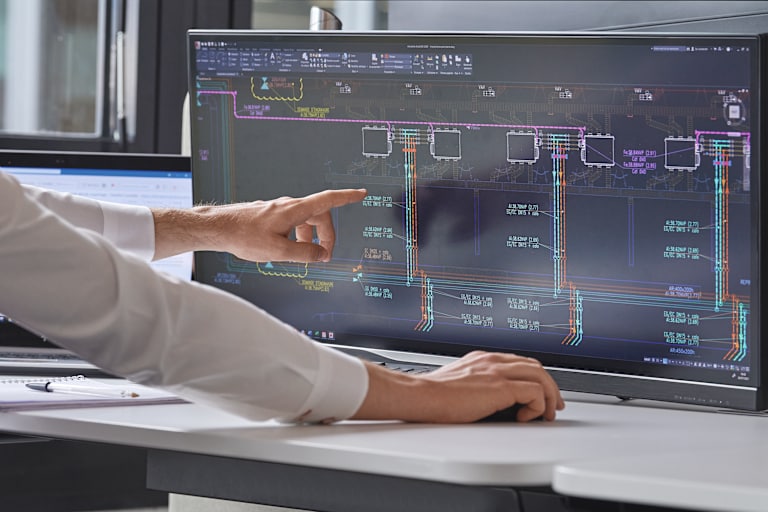
גלו את התוכנות והכלים הטכניים של הילתי לתכנון מבנים, עיגון, מוטות זיון לאחר יציקה, פתרונות מיגון אש ותהליכי BIM. הפתרונות הדיגיטליים שלנו משלבים חישובים מתקדמים, עמידה בדרישות התקן וממשקים נוחים לשימוש- כדי לעזור למהנדסים ומתכננים לעבוד מהר יותר, מדויק יותר ויעיל יותר
עם עשרות שנות ניסיון בשטח, מחקר טכני וחיבור ליישומים אמיתיים בענף הבנייה. התוכנות של הילתי תומכות בכל שלבי הפרויקט- מהתכנון ועד ההתקנה.
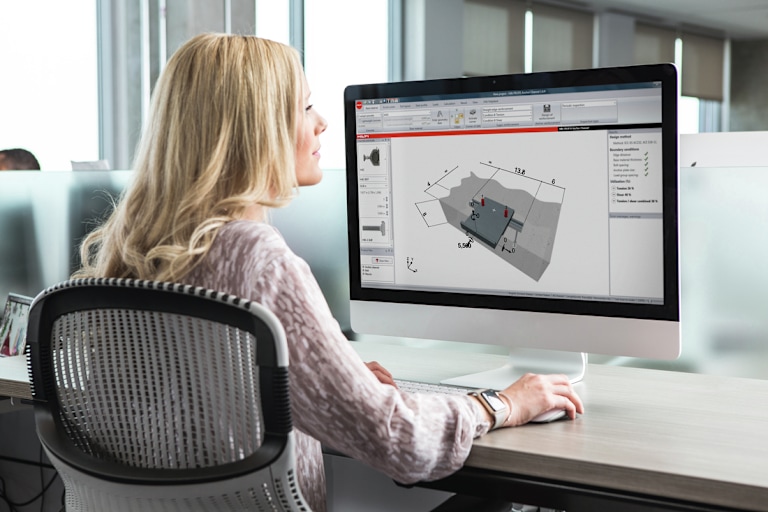
תוכנה לתכנון קונסטרוקטיבי
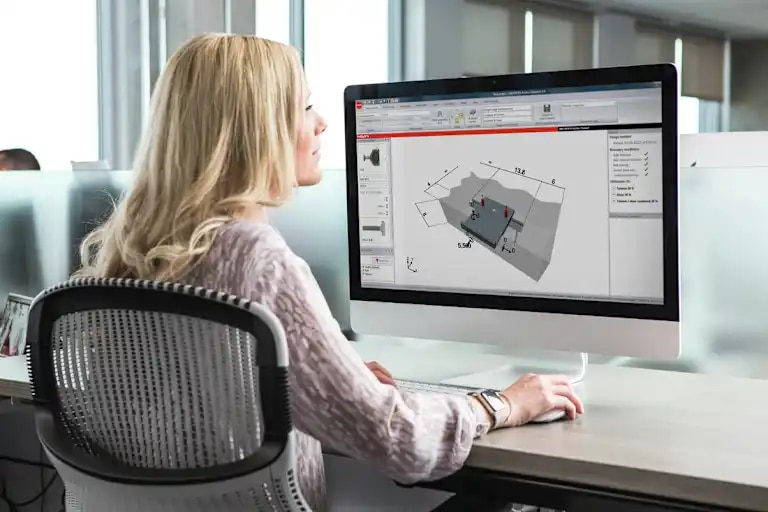
PROFIS Engineering היא תוכנה לתכנון חיבורים מבניים, שפותחה כדי לתמוך במהנדסים ואדריכלים גם ביישומי הבנייה המורכבים ביותר. בעזרת כלי חישוב מתקדמים וממשק נוח לשימוש, ניתן לתכנן פתרונות העומדים בדרישות התקן ומותאמים לצרכים האמיתיים באתר.
PROFIS כוללת מודולים ייעודיים לחיבורי פלדה לבטון, חיבורי בטון לבטון, עיגון בבלוקים, מעקות ופלטות בסיס. הפתרונות של הילתי מסייעים לתכנן בצורה אמינה, יעילה ובטוחה יותר.
כל מודול נתמך בתוכן טכני ובמשאבי למידה דיגיטלית חינמיים, שמאפשרים להעמיק בפונקציונליות, ביישומים ובשיטות העבודה המומלצות לתכנון.
כלים טכניים לתכנון מערכות תליה
האיצו את תהליך התכנון של מערכות תלייה ותמיכה
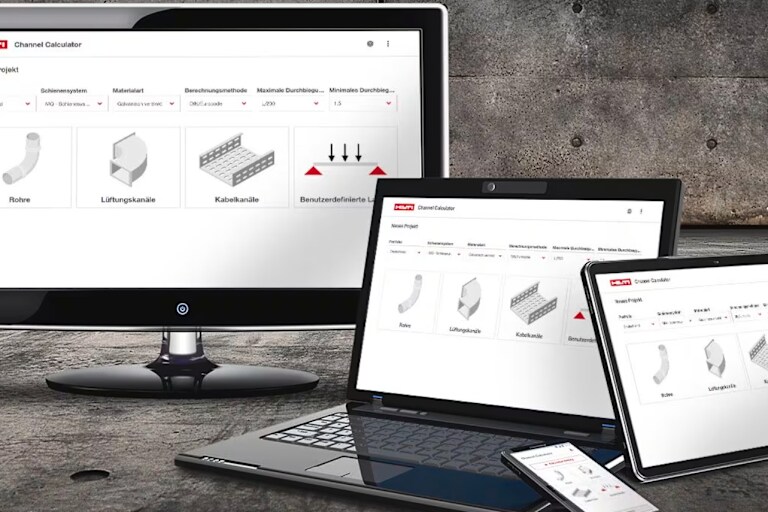
השתמשו ב‑Hilti Channel Calculator בעבודה השוטפת כדי לחסוך זמן ולתכן את מערכות התלייה שלכם בצורה יעילה ומדויקת.
בחירת הפרופילים הנכונים אינה משימה פשוטה, במיוחד כשעובדים עם מגוון רחב של מידות, חומרים ורכיבי התקנה שונים. כשזמן העבודה באתר מוגבל, בחירה מהירה ונכונה של הפתרון חשובה במיוחד.
ה‑Channel Calculator מסייע בבחירת פרופילי מערכות תליה ליישומים יומיומיים של תעלות מיזוג, צנרת ומגשי כבלים. הכלי מאפשר לאתר במהירות פתרון מתאים, בהתאם לדרישות היישום ובמינימום מאמץ.
כלים טכניים לתכנון מערכות תליה
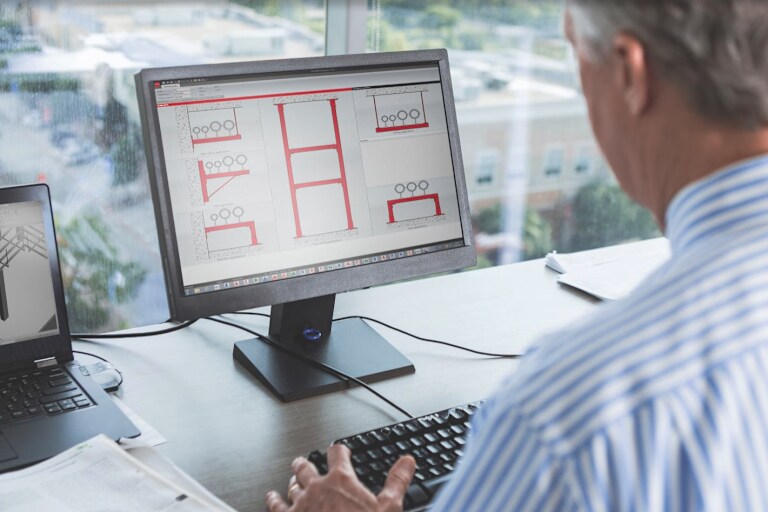
Hilti Fixpoint Calculator מאפשר לחשב את השפעת ההתפשטות התרמית בצנרת ולקבוע את נקודות הקיבוע הנדרשות.
הכלי מסייע בביצוע חישובים מורכבים, בבחירת פתרון מתאים, בהפקת רשימת חומרים ובתכנון מערכות תמיכה מודולריות בהתאם לדרישות התקן.
מאגר נתוני הצנרת המובנה באפליקציה מקצר את תהליך הבדיקה וחוסך זמן בתכנון

ספריית ה-BIM/CAD של Hilti מאפשרת לך גישה לספרייה רחבה של מוצרי Hilti הזמינים כאובייקטי BIM/CAD בתלת־ממד ובדו־ממד, הניתנים לשילוב ישיר בתוכנות השרטוט והתכנון המובילות, כגון AutoCAD®, Revit® ו-Tekla Structures.
מחפשים הדרכה טכנית מעודכנת וישימה בשטח?
הדרכות הילתי למהנדסים מסייעות להעמיק ידע מקצועי בתכנון מבנים, בטיחות ופתרונות מיגון אש. עם תכנים עדכניים ומומחים מהתחום, תוכלו לחזק את היכולות ההנדסיות וליישם את הידע ישירות בפרויקטים שלכם!
כן, הילתי מספקת מאגר BIM, תהליכי עבודה דיגיטליים ושירותי IDS לתכנון שיתופי.
רוב הכלים והתוכנות שלנו זמינים בחינם, בעוד שחלק מהפונקציות המתקדמות עשויות לדרוש רישיון או גישה ייעודית.
כן, התוכנות פותחו כדי לתמוך בתכנון בהתאם לתקנים האירופיים והבינלאומיים המרכזיים, כולל יישומים סייסמיים וקונסטרוקטיביים.
לא בהכרח. רוב התוכנות שלנו מבוססות על ענן וניתן להשתמש בהם ישירות באופן מקוון ללא התקנה.
התוכנה תוכננה להיות אינטואיטיבית וקלה לשימוש, גם עבור מהנדסים עם פחות ניסיון. כדי לתמוך בתהליך הלמידה, הילתי מציעה גם קורסי למידה דיגיטלית ללא עלות, לצד תיעוד טכני ומשאבי תמיכה שמלווים את המשתמשים בעבודה עם הכלים ובשלבי התכנון השונים.
וכמובן שתמיד ניתן לפנות למחלקת ההנסה שלנו לתמיכה וליווי מלא בכל שלבי התכנון.