
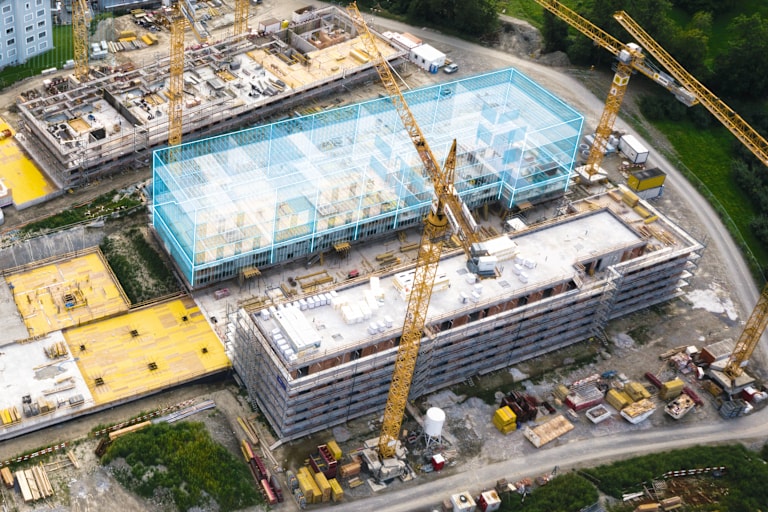
BIM משנה את כל ענף הבנייה.
BIM (מידול מידע לבנייה) משנה את הדרך שבה פרויקטים מוגדרים ומנוהלים. לא מדובר רק בתוכנה לתכנון תלת-ממדי, אלא בתהליך עבודה המאפשר שיתוף פעולה בין צוותי הפרויקט השונים.באמצעות כלים דיגיטליים של BIM ושירותים הנדסיים ברמה גבוהה, תוכלו ליהנות מפתרונות מקיפים לכל שלבי העבודה בפרויקטי הבנייה שלכם. עם BIM תוכלו:
לצמצם טעויות ועלויות
לזהות התנגשויות פוטנציאליות בתוכניות דו-ממדיות ותלת-ממדיות וליצור תכנונים מדויקים במיוחד
לשפר את שיתוף הפעולה בענן
לאפשר עבודה משותפת ויעילה ולצמצם טעויות באמצעות שיתוף פרויקטים בזמן אמת
לחסוך זמן בפגישות ובהתכתבויות דוא"ל ולסייע למתכננים לאתר התנגשויות כבר בשלב התכנון, לפני תחילת הביצוע
להתחבר לסביבת תכנון מתקדמת
ספריות ה‑BIM/CAD של הילתי מאפשרות לשלב בקלות אובייקטים תלת-ממדיים ישירות ב‑AutoCAD®, Revit® ו‑Tekla Structures
לשלב שרטוטי יישום מפורטים של הילתי במסמכי התכנון והתיעוד של הפרויקט שלכם
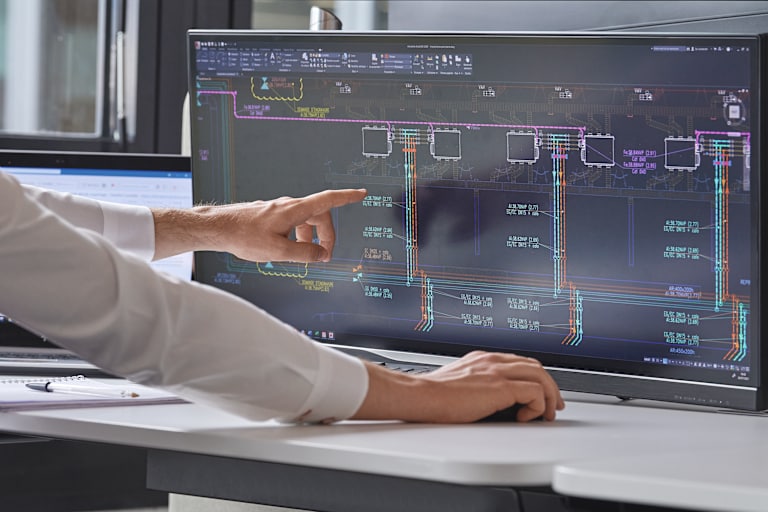
ספריית BIM/CAD של הילתי
ספריית ה‑BIM/CAD של הילתי מאפשרת לכם לגשת למגוון רחב של מוצרי הילתי הזמינים כאובייקטי BIM/CAD דו-ממדיים ותלת-ממדיים, שאותם ניתן לשלב ישירות בתוכנות תכנון ושרטוט מובילות כמו AutoCAD®, Revit® ו‑Tekla Structures. לא מדובר רק בספריית אובייקטים, אלא גם באפשרות לבחור את מדינת היעד של הפרויקט והבנייה, כדי לסייע בעמידה בתקנים בינלאומיים
גלו את ספריית ה‑BIM/CAD של הילתי:
חפשו אובייקטים לפי שם או קטגוריה, כגון עוגנים, חיבור ישיר, מערכות מיגון אש ומערכות תמיכה מודולריות
בחרו אם אתם מעדיפים מודל דו-ממדי או תלת-ממדי: כל האובייקטים כוללים נתונים טכניים מפורטים, כגון מידות, חומר, מק״ט הילתי ומידע על החומר
שלבו את האובייקט ישירות בפרויקט שלכםייצאו את מודל המוצר ושמרו אותו לשימוש עתידי
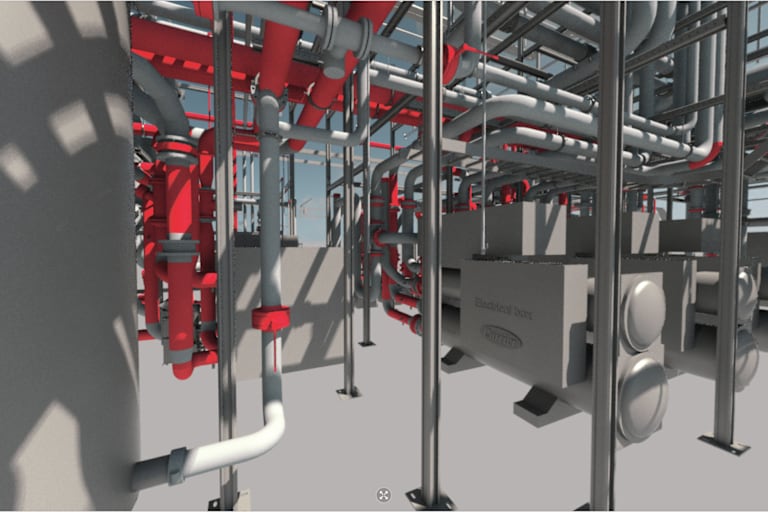
גישה לאובייקטי BIM/CAD של הילתי
גשו לאובייקטי BIM/CAD של הילתי ישירות או דרך מערכות תוכנה נוספות התומכות ב‑BIM

TEKLA WAREHOUSE
גלו את העוגנים ואת תעלות העיגון של הילתי ב‑Tekla Warehouse, כולל הנתונים הטכניים הרלוונטיים, והשתמשו בהם כאובייקטי BIM בתוכנת התכנון Tekla Structures


REVIT PLUG-IN
הורידו את התוסף שמאפשר לשלב את ספריית הילתי ישירות ב‑Revit
ספריית אובייקטים BIM
כנסו לפורטל BIMobject כדי להוריד אובייקטי BIM עבור פתרונות מיגון האש, מערכות התמיכה, מערכות העיגון, מערכות החזית ותעלות היציקה שלנו. האובייקטים זמינים בפורמטים Revit ו‑Archicad
השירות ההנדסי שלנו
זקוקים לסיוע בשלבי התכנון? הצוות ההנדסי שלנו כאן בשבילכם